
AI can make a product photo in minutes. The trouble is, shoppers can often tell. Skin looks painted. Labels melt. Reflections point the wrong way. Those small things make a listing look cheap.
This is how we use AI and still get photos that look real.
1. A person plans the shot
Before any image is made, a designer picks the angle, the light, the setting and the mood. AI is only the camera. The choices stay human.
2. The product stays true
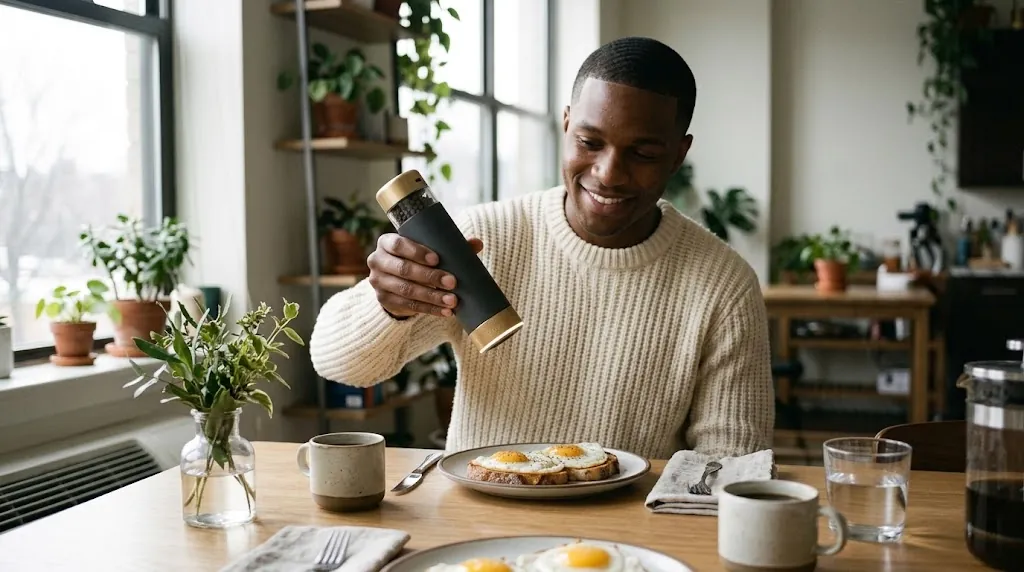
We give the AI your real product photos, then compare every result with them. If the cap, the label or a button changes shape, the image is thrown out. Your product must look exactly like what the shopper gets.
3. A designer fixes it by hand
AI skin often has a swirly, painted texture. Up close it looks fake. We soften it, then add fine camera grain so it reads as a real photo. Here is the same portrait before and after.


4. Checked on a phone
Most shoppers see your images on a phone. We check every final image on a small screen before it goes out.
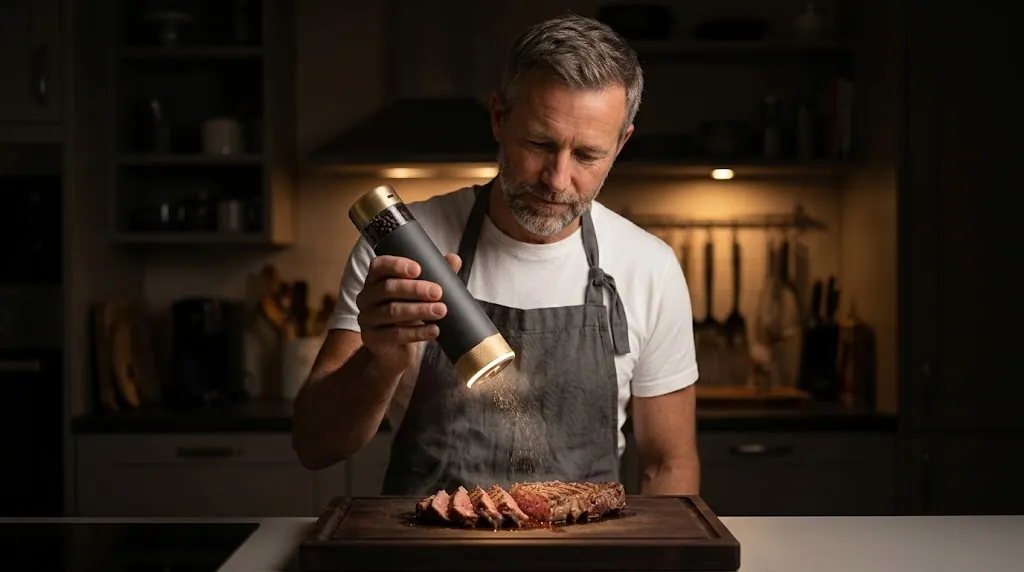
Want photos like these for your product? See our AI Product Photoshoots.