
Most listings have seven image slots. Most sellers fill them with whatever photos they have. That is why so many listings get seen and not picked.
We plan every set the same way. Each image gets one job, in a set order. We call it the 7-Step Image Funnel. Here it is, with a real set we made for JONDO golf sunglasses.
1. The scroll stopper (main image)
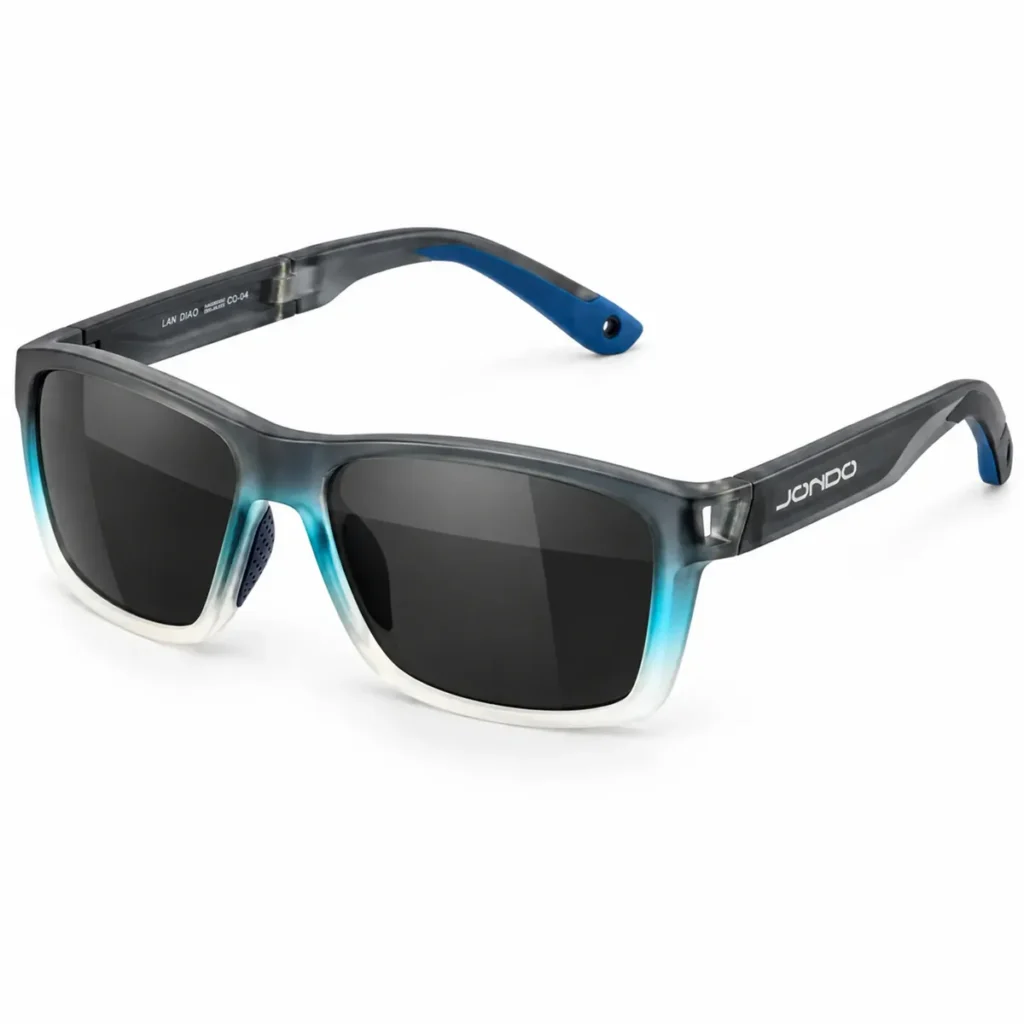
This is the only image a shopper sees in search. Its job is to win the click. On Amazon it must sit on pure white. The product should fill most of the frame, so it reads as big and clear in a grid of tiny photos.
2. The pain point
The second image shows the problem the product fixes. The shopper should see their own problem and think, “That is me.”

3. Proof
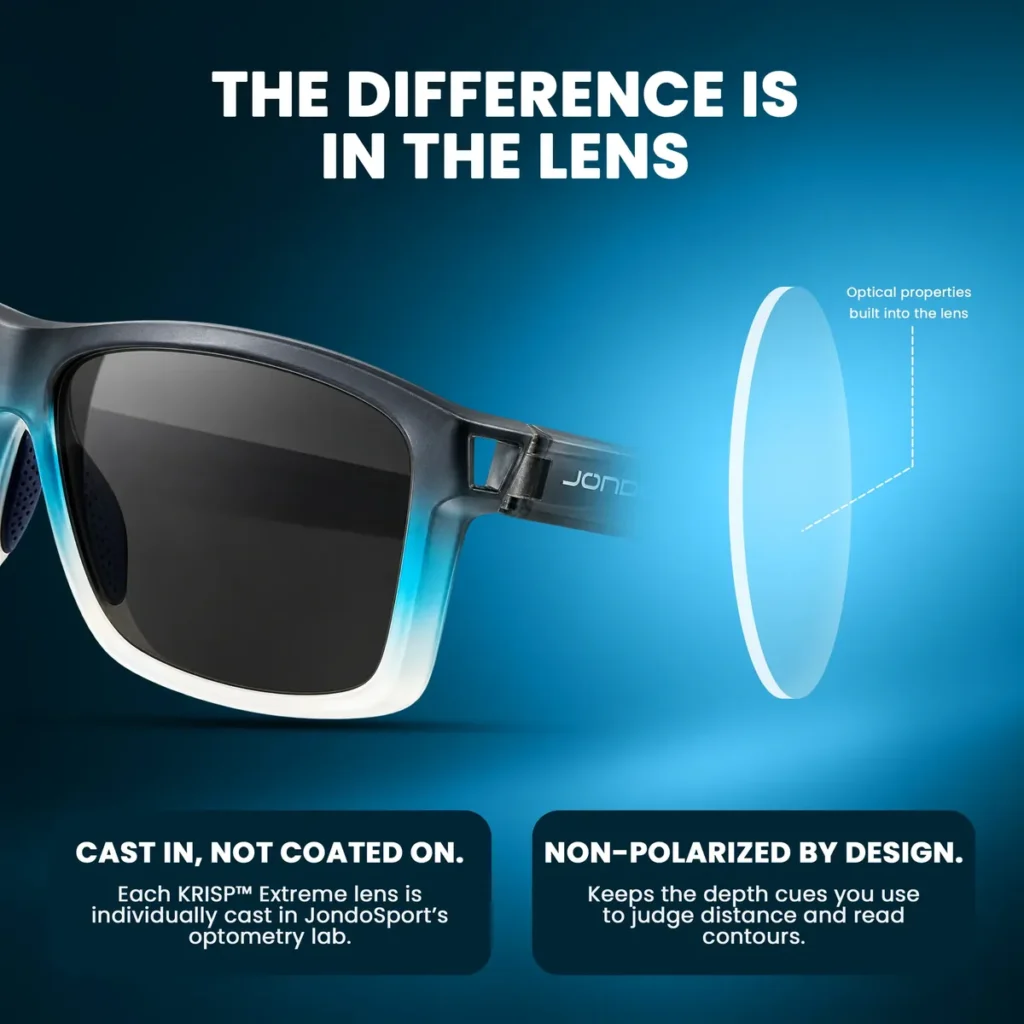
Now show the product doing the job. Not a list of features. One clear picture of how it works.
4. Trust signal
This image answers one question: “Can I trust this?” Use what is real. A known person who really uses it, real certificates, a warranty, a real review count. Never invent badges.

5. How to use, size and safety
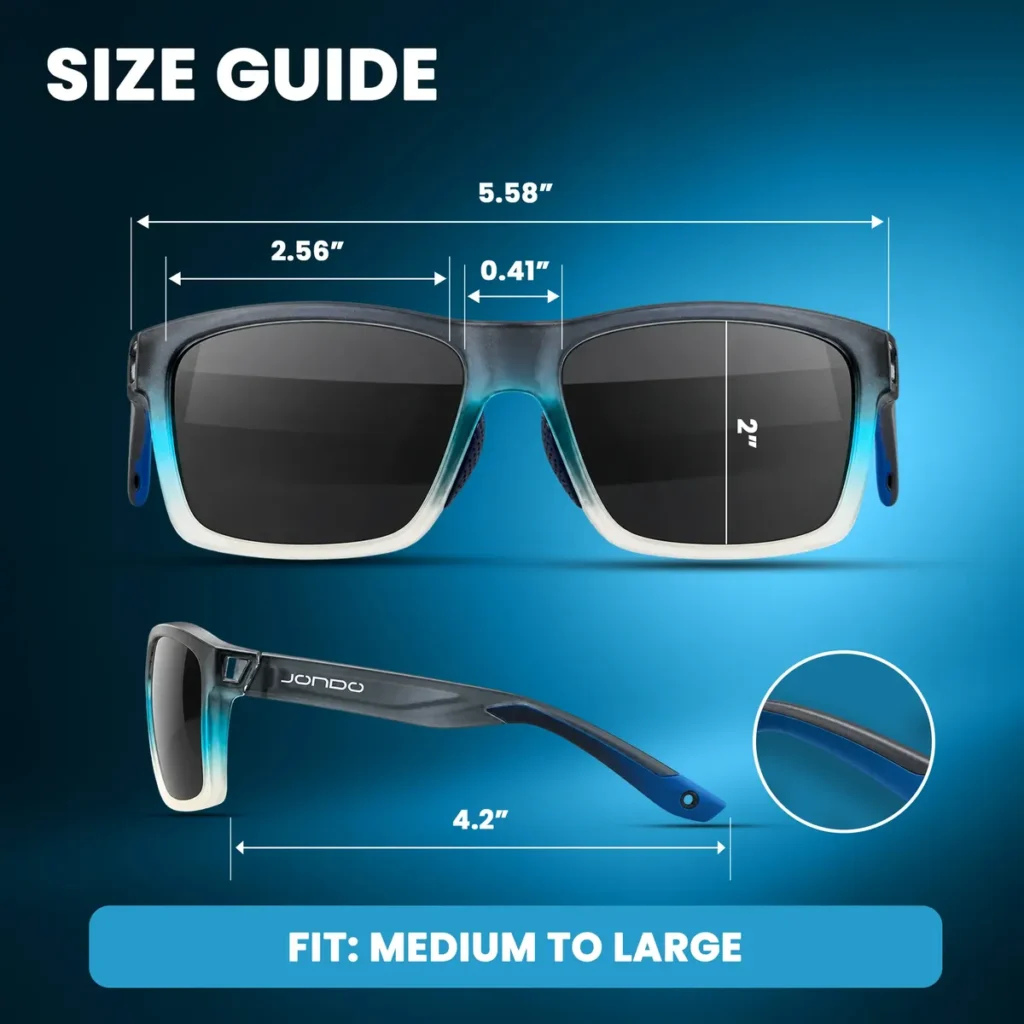
Shoppers return products that do not fit or that they cannot use. A size guide or a simple how-to cuts those returns before they happen.
6. Claims and proofs
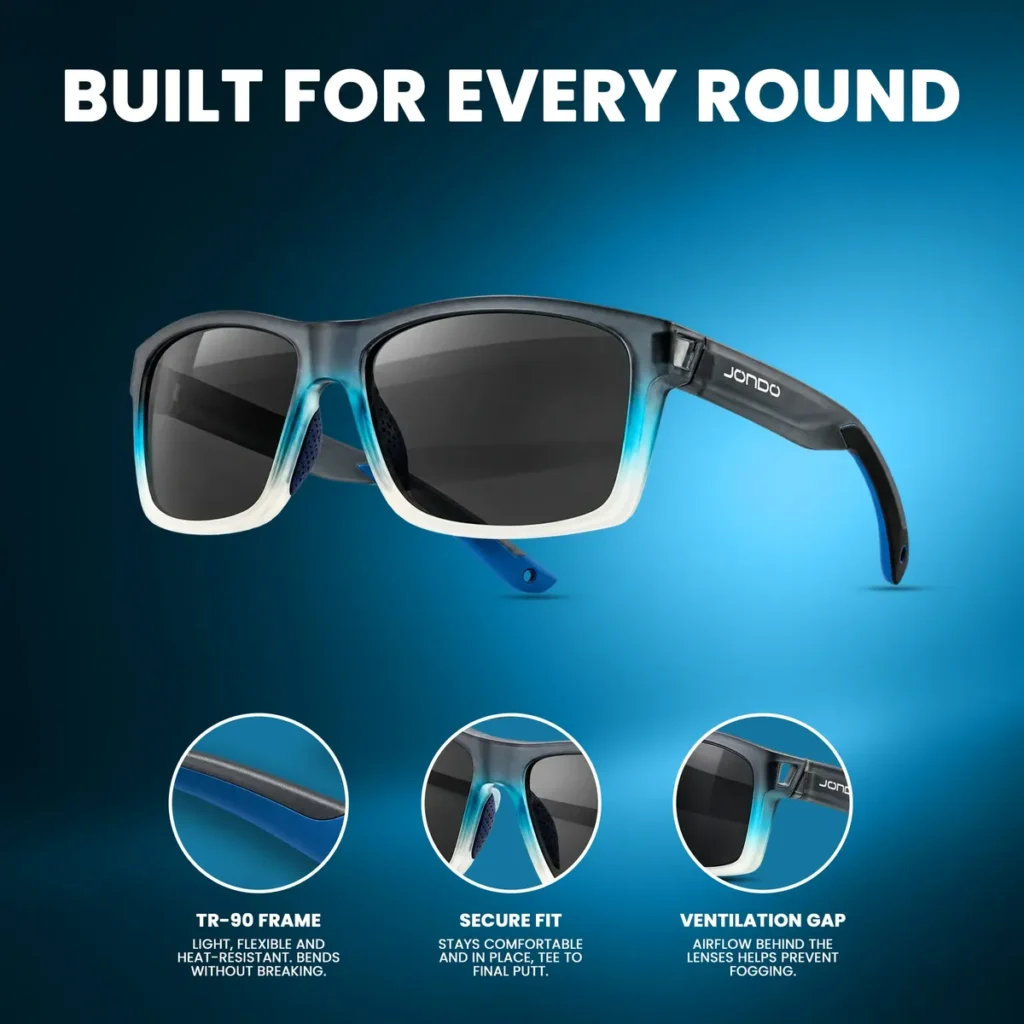
Every claim on your listing needs something to see. If you say “light and flexible”, show the frame. If you say “secure fit”, show where it holds.
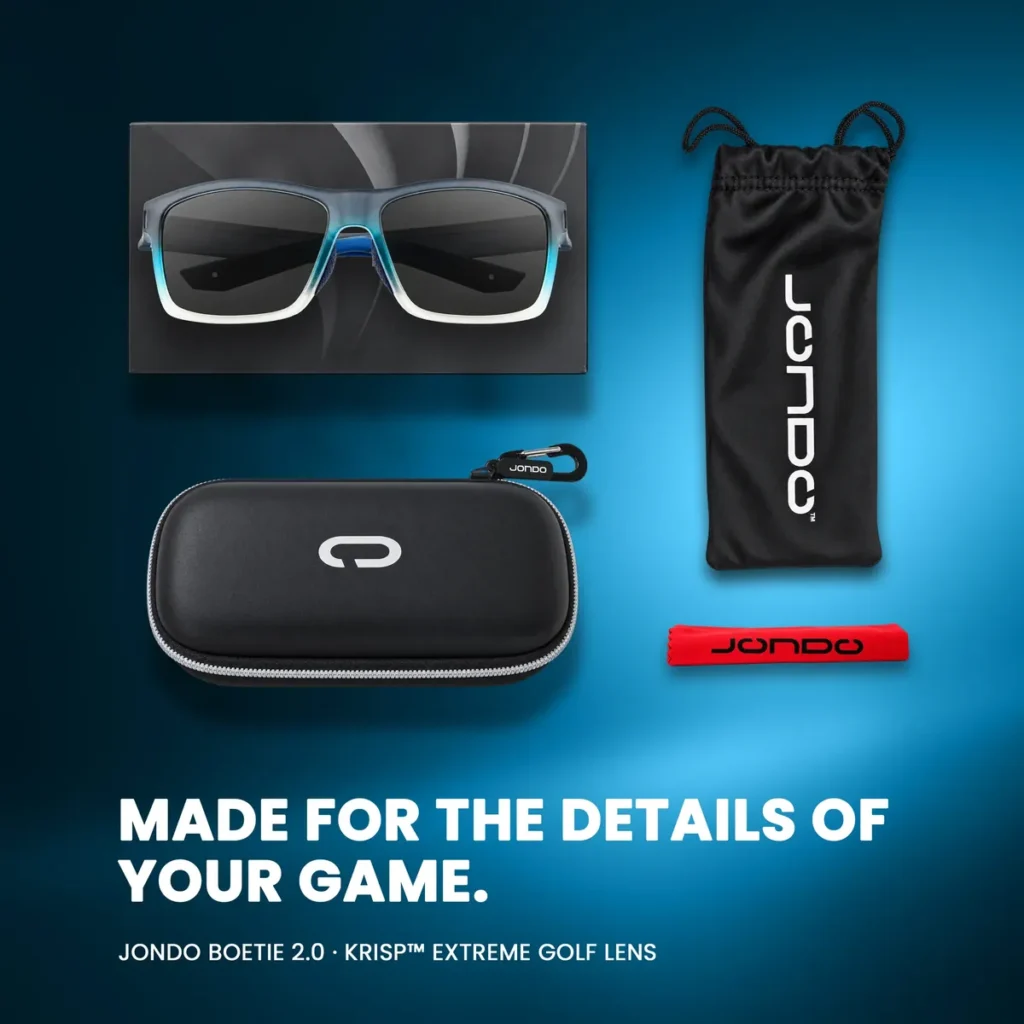
7. The call to action
The last image gives one more reason to add to cart. What is in the box works well here: the shopper sees exactly what they get.
Why the order matters
In Baymard Institute’s usability tests, 56% of shoppers started by looking at the product images. If your images skip a question, the shopper leaves to find the answer somewhere else. Usually on a competitor’s listing.
Before you change a set, check Amazon’s and Walmart’s current image rules in Seller Central and Seller Center. They change from time to time.
Want us to look at your set? Book a free call or send your listing link on WhatsApp.